
Accessibility / The journal
Planning an event people can take part in
Plan invitations, communication access, room layout, staffing and follow-up using a practical event register and Australian Human Rights Commission guidance.
On this page
An inclusive event is planned around participation: receiving the invitation, reaching the venue, understanding the program, contributing and leaving safely. A building’s accessibility statement is one input. It does not arrange captions, brief speakers or tell a guest whom to contact.
This guide is for organisers of community meetings, workshops and small public events. It provides a practical workflow rather than a declaration that an event meets every legal requirement. The Australian Human Rights Commission’s IncludeAbility guidance is a useful primary resource for accessible in-person meetings and events.
Assign responsibility while the program is still flexible
Name an access coordinator who can make decisions and has a backup on the day. This is an operational role, not a claim to clinical or legal expertise. Give that person a budget, a clear way to escalate problems and contact details for the venue and service providers.
Do this before paying a venue deposit or announcing a fixed program. Otherwise, a request for a suitable room, interpreter or different stage arrangement becomes an expensive late change. Build access into the event budget rather than treating every adjustment as an unforeseen extra.
Invite people with relevant access requirements to contribute to planning where practical, with appropriate payment for substantial consultation. Do not ask one participant to represent all people with disability or to perform an unpaid access audit simply because they are attending.
Give invitations enough information to support a choice
State the activity, start and finish times, venue address, transport information and what participation involves. Explain whether guests will move between rooms, stand for a reception, contribute in groups or use a digital device. These details often matter more than an unsupported “fully accessible” label.
Offer a clear way to request adjustments by email or another workable channel. Ask what arrangement would help, not for a diagnosis. Explain who will see the information and avoid putting personal requests in a shared attendee spreadsheet. A planning deadline can help secure services, but describe how late requests will be considered rather than presenting the deadline as an automatic refusal.
Provide registration instructions in readable text, not only an image of a flyer. Check keyboard access, form labels, error messages and confirmation emails. If the registration tool creates a barrier, offer a practical alternative and make sure both routes reach the same booking record.
Walk the event, including the speaker’s route
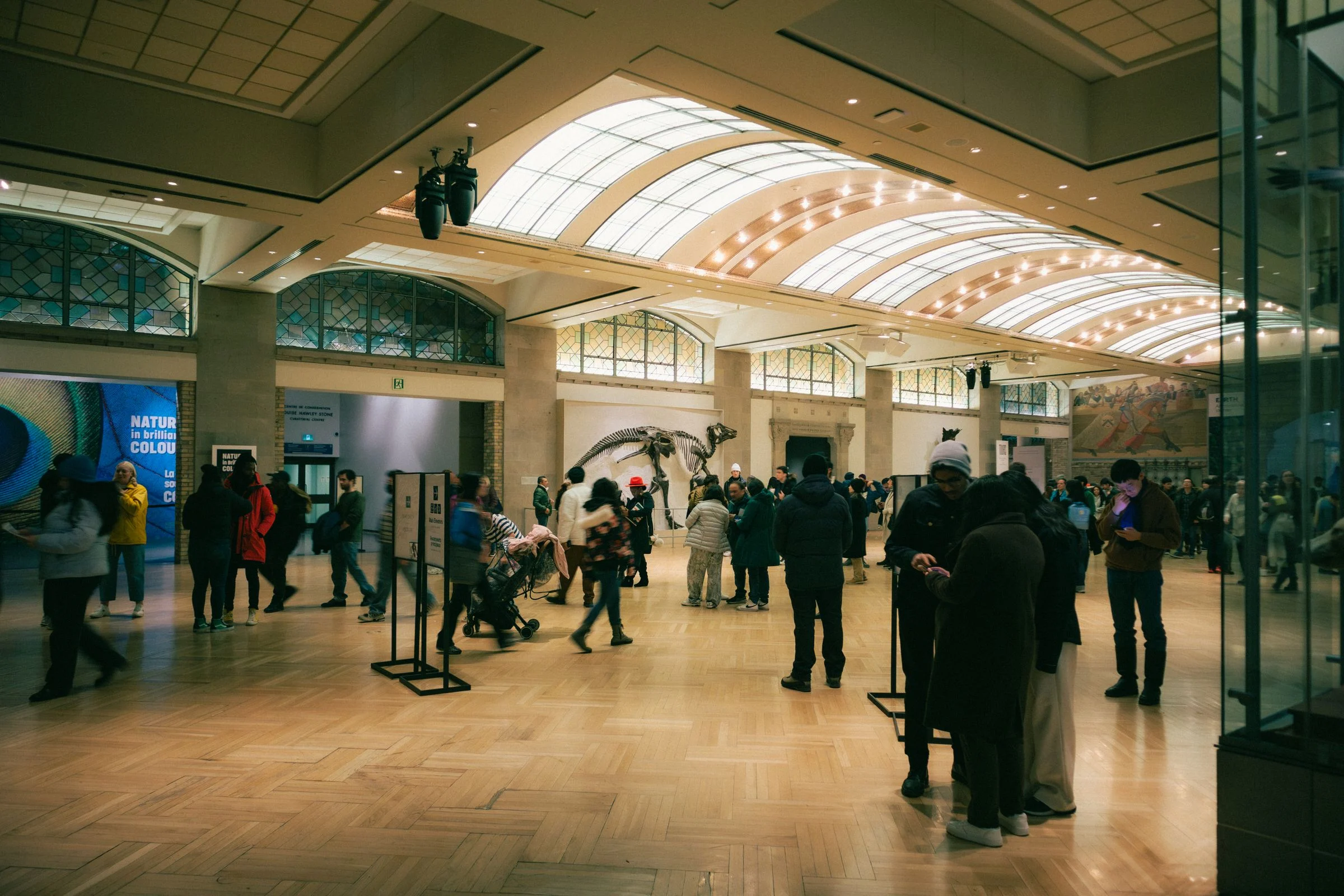
Review the journey from drop-off to registration, seating, bathrooms, refreshments and exits. Include the stage or presentation area. A guest who can enter the room may still be unable to present or receive an award if the only stage access is stairs.
Our venue checklist can structure questions, but an organiser also needs to confirm room setup and staff procedures. Check that temporary furniture, signs and queues will not obstruct an otherwise usable route. Do not rely on a floor plan that predates the event layout.
Discuss evacuation with the venue and relevant participants before the event. Avoid promising that an ordinary passenger lift will operate in an emergency. Establish who will explain the actual procedure and who is responsible for assistance under the venue’s arrangements.
Plan how information will reach people
The Commission’s guidance covers communication access as well as physical access, including interpreting, captioning and accessible materials. Translate that into specific bookings: which sessions need a service, where interpreters or screens will be positioned, and how presenters will supply materials in advance.
Brief speakers to use the microphone, identify themselves, explain meaningful visual information and repeat audience questions before answering. A microphone is part of the access system even when a speaker believes their voice is loud enough. Check the actual audio connection used by captioners or hearing assistance equipment.
Send an accessible agenda and key materials before the event. Use meaningful headings, readable contrast, descriptive links and selectable text. A PDF containing scanned pages may look finished but remain difficult to navigate. If a complex diagram is essential, provide a text explanation rather than expecting an image alone to convey its meaning.
Make an action register, not a general promise
| Stage | Action to confirm | Who closes the task |
|---|---|---|
| Before booking | Venue route, room layout, stage and bathroom suitability. | Organiser with the venue contact. |
| Before invitations | Adjustment contact, accessible registration and practical travel details. | Communications lead. |
| Before the event | Booked communication services, speaker materials and agreed individual arrangements. | Access coordinator. |
| During setup | Working microphones, clear routes, signs, seating and quiet space. | On-site team. |
| Afterwards | Accessible follow-up materials and a way to report barriers. | Event owner. |
Adapt this example register to your team. Add a due date and evidence column so “captioning requested” cannot be mistaken for “captioner booked and technical connection tested”. Keep sensitive individual details in a separate restricted record.
Coordinate tickets, support and practical breaks
If your organisation participates in Companion Card, explain how guests arrange the companion admission and seating for this event. Our booking guide explains common questions. Do not advertise card acceptance without confirming the organiser’s arrangement with the ticket seller and venue.
Plan breaks that allow time to leave the room, use facilities and return without missing the next essential instruction. Identify a quieter space and describe what it provides; an unused corridor with constant announcements may not serve that purpose. Check dietary information without treating disability and food requirements as interchangeable.
For a hybrid event, appoint someone to monitor the remote audience. Confirm that remote participants can hear questions, access captions and contribute, rather than receiving only a camera view of the room. An online option is useful only if it supports the intended participation.
Test the arrangements and learn from specific feedback
Run a short rehearsal using the actual room, microphone and presentation file. Test the registration confirmation on a phone and check that a person can find the access contact without searching through several pages. Give volunteers a concise briefing on respectful communication and where to refer an unanswered question.
After the event, ask about particular barriers and useful arrangements. Record actions for the next event without publishing identifiable access requests. If an arrangement failed, acknowledge what happened and describe the practical change you can make. A completed checklist is evidence of preparation, not proof that every participant had an equivalent experience.
Sources checked on 12 November 2026. Independent editorial guidance by Accessible Australia. Program decisions and current service arrangements remain with the linked official organisations. How we prepare and correct our guides.
From reading to doing
Make your next step a useful one.
There is more to discover
Your next read.

Accessibility
What to ask before visiting a new venue
Check the whole visitor journey, from arrival and seating to bathrooms and sensory access. Compare confirmed details rather than accessibility labels.

Companion Card Guides
Your first outing with a Companion Card
Plan a first Companion Card visit with a clearly labelled museum example. Confirm tickets, facilities, support and a workable alternative before travelling.
Carer Resources
Planning support with a carer or companion
Agree practical support, preferences and backup arrangements. Find official carer services and distinguish respite, carer payments and Companion Card use.